Collection: Digital Planner Templates with PLR & MRR Resell Rights
Shop our full library of digital planner templates — fully customizable planning resources that come with PLR and MRR resell rights so you can rebrand and sell them as your own. From hyperlinked 2026 digital planners compatible with GoodNotes and Notability to monthly and weekly planners, wedding planners, and planner bundles, every product in this collection is built for digital entrepreneurs who want ready-to-sell planning content without starting from scratch.
Each digital planner template is available for instant download and designed to be easily customized — update colors, covers, and content to match your brand or your customer's needs. With PLR rights you can edit and claim each planner as your own. With MRR rights your customers can resell them too.
Whether you're launching your first digital product or expanding an existing shop with high-demand planning templates, this collection gives you everything you need to start selling today.
-
2026 Digital Planner for iPad & Goodnotes | Canva Editable Template with MRR + PLR Resell Rights
Regular price $4.50Regular priceUnit price per -
Bible Study Planner – Canva Editable Journal Template | PLR & MRR Resell Rights
Regular price $5.00Regular priceUnit price per$0.00Sale price $5.00 -
PLR Digital Products – Canva Editable Skincare Ebook with PLR & MRR Resell Rights
Regular price $10.00Regular priceUnit price per -
Wedding Planner Template – Printable Wedding Planning Checklist & Organizer | Canva Editable with PLR & MRR Rights
Regular price $6.00Regular priceUnit price per$0.00Sale price $6.00 -
Devotional Study Journal - Canva Editable with PLR & MRR
Regular price $8.00Regular priceUnit price per$0.00Sale price $8.00 -
Bible Study Journal with MRR & PLR | Canva Editable Template
Regular price $8.50Regular priceUnit price per$0.00Sale price $8.50 -
Faith & Prayer Journal | Digital Planner with MRR & PLR
Regular price $5.00Regular priceUnit price per$0.00Sale price $5.00 -
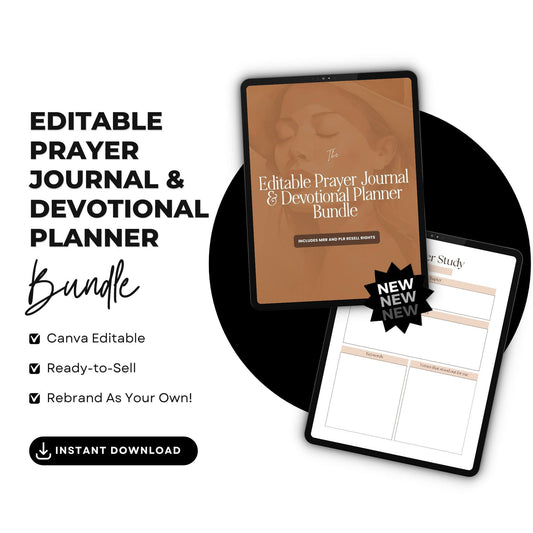
Prayer Journal Bundle | PLR & MRR Resell Rights | Canva Editable
Regular price $12.00Regular priceUnit price per -
Elysian Noir Canva Templates Bundle | Editable PLR + MRR
Regular price $17.50Regular priceUnit price per -
33-Page Lead Magnet Canva Template with PLR & MRR
Regular price $5.00Regular priceUnit price per -
PLR Planner Bundle | 50+ Canva Editable Planners with PLR & MRR Rights
Regular price $67.00Regular priceUnit price per -
2026 Monthly & Weekly Planner | Canva Editable Template | PLR & MRR Resell Rights | Printable Digital Download (US Letter)
Regular price $4.50Regular priceUnit price per -
Faith & Prayer Journal with Master Resell Rights (MRR)
Regular price $5.50Regular priceUnit price per$0.00Sale price $5.50 -
Divine Journaling: Bible Study Companion with MRR and PLR Rights
Regular price $5.00Regular priceUnit price per$0.00Sale price $5.00 -
Customizable Christian Planner with MRR & PLR | Enrich Your Devotions
Regular price $5.00Regular priceUnit price per$0.00Sale price $5.00 -
2026 Canva Editable Planner | Monthly & Weekly Planner with PLR & MRR Resell Rights
Regular price $4.50Regular priceUnit price per -
Canva Digital Planner 2026 – Hyperlinked PDF | PLR & MRR Resell Rights
Regular price $4.50Regular priceUnit price per -
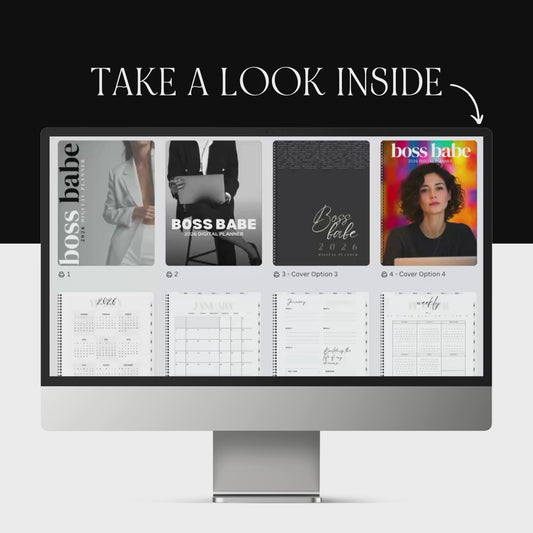
Boss Babe 2026 Digital Planner – Hyperlinked Canva Template with 4 Covers (GoodNotes & Notability Ready)
Regular price $4.50Regular priceUnit price per -
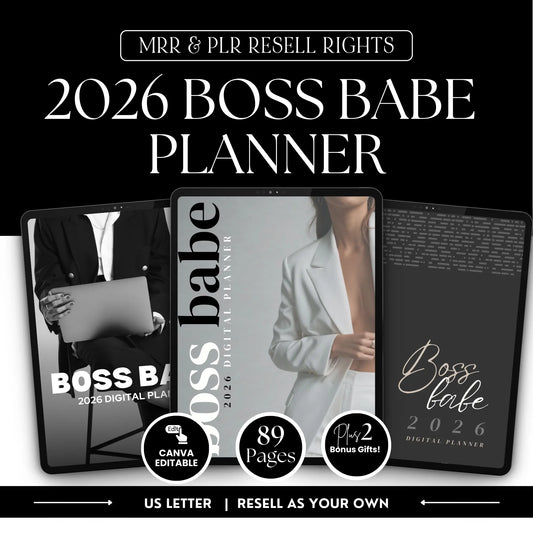
2026 Boss Babe Digital Planner – Canva Editable Template (89 Pages) | PLR + MRR Resell Rights
Regular price $4.50Regular priceUnit price per -
2026 Hyperlinked Canva Planner | Digital Planner with PLR & MRR
Regular price $4.50Regular priceUnit price per -
Etsy Shop Seller's Guide with MRR & PLR Resell Rights
Regular price $4.90Regular priceUnit price per$0.00Sale price $4.90 -
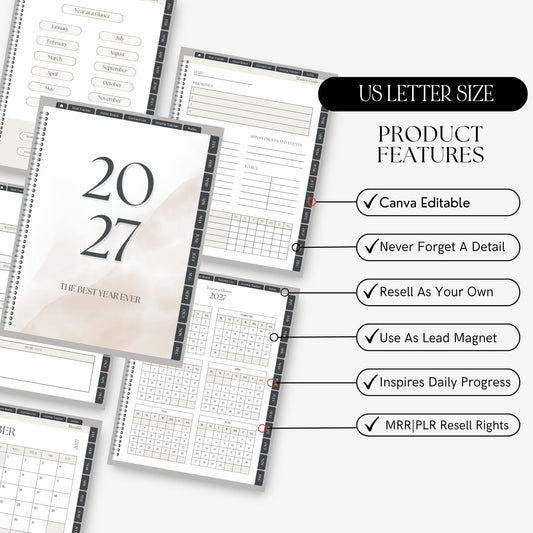
Canva Planner Template 2027 – PLR Digital Planner with Master Resell Rights
Regular price $12.50Regular priceUnit price per -
2027 Digital Planner Template | Canva PLR + MRR
Regular price $12.50Regular priceUnit price per -
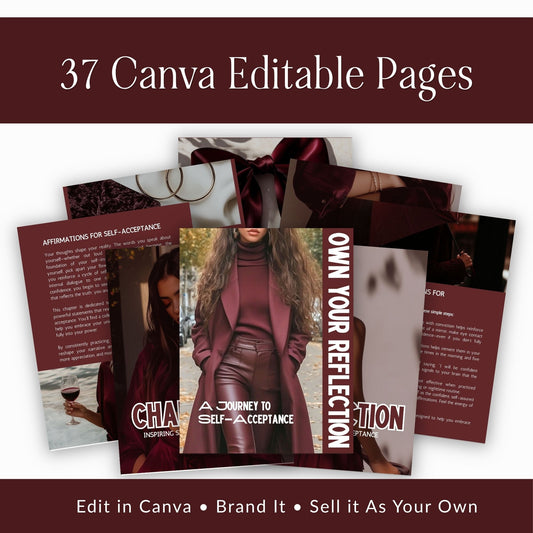
Self Love & Self Acceptance Ebook for Women — Affirmations & Mindset Guide, Own Your Reflection (MRR + PLR)
Regular price $9.00Regular priceUnit price per








What's Included in Every PLR Digital Planner
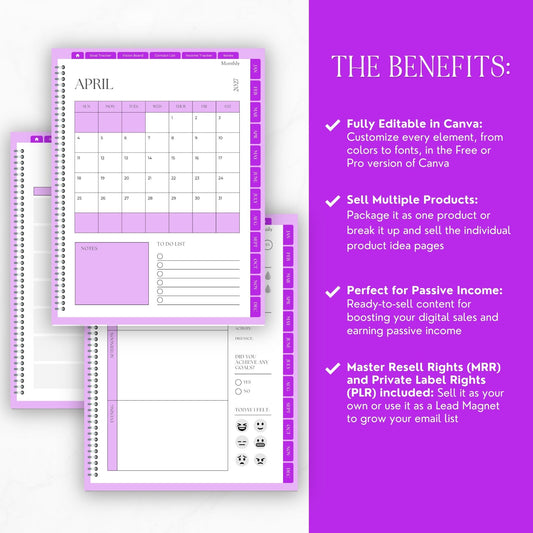
Every planner in this collection comes as an editable Canva template, delivered as a share link you copy straight into your own Canva account. Page counts run from around 30 to 90 depending on the planner, and the collection includes both dated and undated options.
Hyperlinked means the planner has clickable tabs and navigation built in, so someone using it on an iPad can jump from the yearly view to a specific week without scrolling. It is the difference between a file someone flips through once and a planner they open every morning. The planners work in GoodNotes, Notability, and any app that accepts an annotatable PDF.
You always get the editable source file, never a flattened export. Colors, fonts, cover art, and page content are all yours to change before you sell.
PLR vs. MRR Rights on Planners
Both sets of rights come with every planner here, and they do different jobs.
PLR, or Private Label Rights, is permission to change the product. You can edit the design, rewrite the content, swap the cover, rename it, and put your own brand on it. The planner becomes yours.
MRR, or Master Resell Rights, is permission to pass resale rights along. Your customer can sell the planner too, under the terms of the license.
The short version: PLR governs what you can change, MRR governs what your buyer can do next. Every planner in this collection includes both, under one license you can read before you buy.
How to Rebrand a PLR Planner and List It
Nobody wants to start with the license file. It is the least interesting thing in the folder and you are ready to design. Open it first anyway, because it tells you what you can change and what has to stay.
1. Read the license. Two minutes now saves a takedown later.
2. Rewrite before you redesign. Change the headings, prompts, and page titles first. Design is what a buyer notices second. Content is what makes the planner yours.
3. Set your brand colors and fonts in Canva. Change them once in the template and the change carries through every page.
4. Replace the cover and mockups. The cover is the first thing anyone sees, and a stock cover is the fastest way to look like every other listing.
5. Choose your format and test it. Decide whether you are selling a Canva link, a PDF, or both, then open the file yourself before you list it.
Our full walkthrough on customizing PLR digital planners covers each step in detail.
Frequently Asked Questions Abount
PLR Digital Planners
What is PLR?
PLR stands for Private Label Rights. It means you are allowed to edit the product, put your own brand on it, and sell it as your own. Every planner in this collection is a PLR product, so the design and the content are both yours to change.
Can I sell PLR planners on Etsy?
Yes. Etsy allows resale of licensed digital products as long as you follow their policies on digital downloads. Customize the planner first so your listing is not identical to other sellers using the same template.
What is the difference between PLR and MRR planners?
PLR is permission to change the product and brand it as yours. MRR is permission to pass resale rights on to your buyer. Every planner in this collection includes both.
Do I need Canva Pro to edit them?
Most planners can be edited with a free Canva account. A few use Pro fonts or elements, and those listings say so. You can swap any Pro element for a free one.
Are these planners dated or undated?
The collection includes both. Dated planners are built for a specific year, and undated planners work in any year. Because the dates are editable text in the Canva file, you can also convert a dated planner to undated, or roll it forward to a new year.
Will these work on iPad, GoodNotes, or Android?
Yes. The planners are delivered as editable Canva templates. Once you have customized yours, you export it from Canva as a PDF, and that PDF works on any device that accepts one. That includes GoodNotes and Notability on iPad, Xodo and Noteshelf on Android, and desktop PDF readers. Hyperlinked navigation carries through the export, so the clickable tabs still work for your buyer.
Can I sell Canva templates on Etsy?
Yes, with one distinction worth understanding. Canva's terms restrict reselling Canva's own stock elements as standalone assets, but they do not stop you selling a design you have the rights to. Because these planners come with PLR and MRR rights from us, you can edit them, brand them, and list them on Etsy. If a planner uses Canva Pro elements, the listing says so, and you can swap those for free alternatives before you sell.
How many copies can I sell, and can my customers resell them?
There is no cap on how many copies you sell of your customized version. Under Master Resell Rights, your customer may also resell the planner. Your license document sets out exactly what they can and cannot pass on.